
Quartermaster
AI-powered task management for teams building with Claude, Cursor, Codex, and Antigravity. Auto-complete tasks from your IDE via MCP. Free for solo builders.
-
Website
-
Category
-
Build & Develop
-
Launched
-
Feb 25, 2026
-
Last update
-
Mar 9, 2026
Frequently Asked Questions
What is Quartermaster?
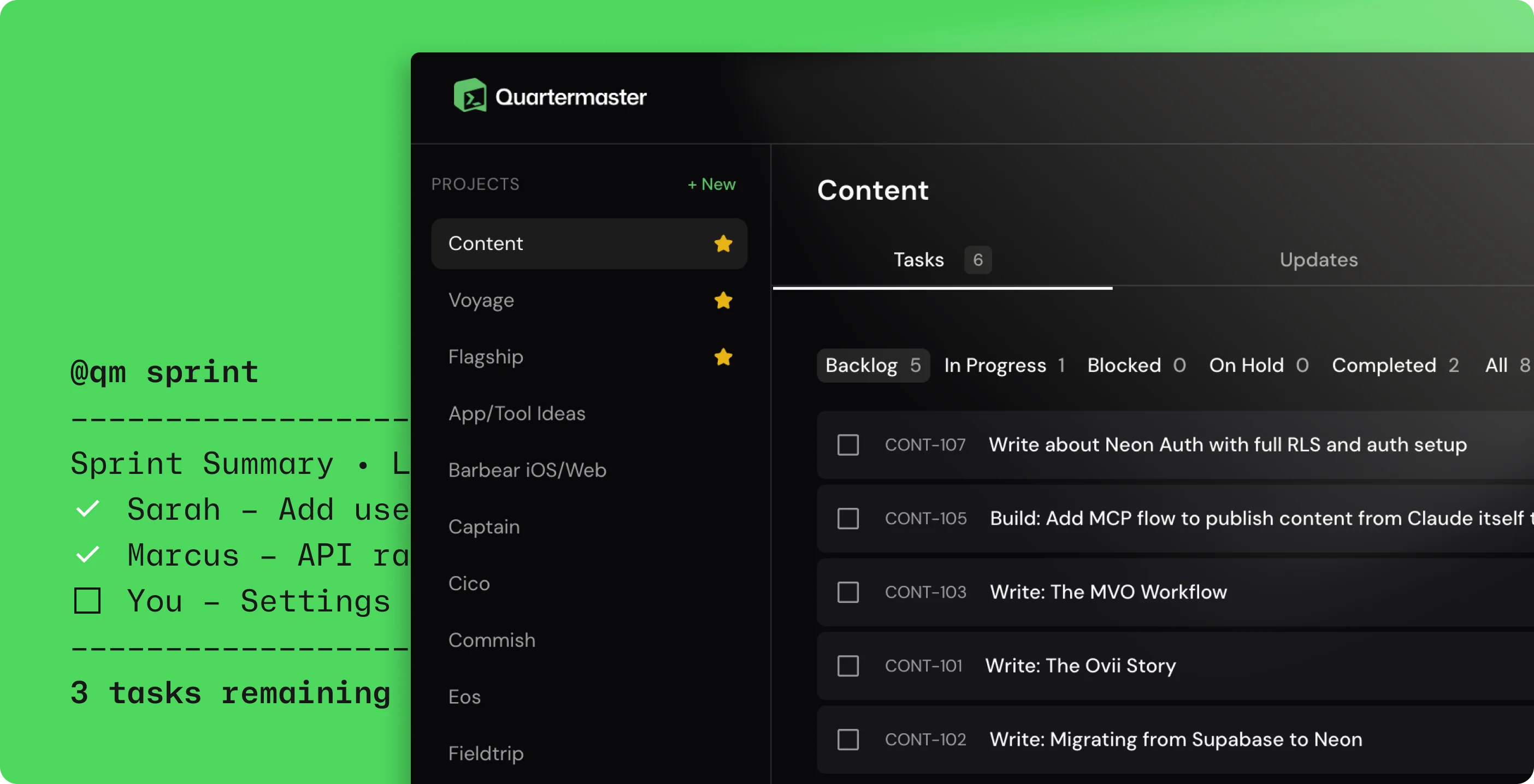
Quartermaster is a visibility tool for small AI-powered builder teams. It lets you auto-complete tasks, check what your team is shipping, and pull stakeholder context — all from your IDE. Instead of switching between your code editor, a project management tool, and Slack, you run a command and get the information you need.
Which IDEs and AI coding tools does Quartermaster work with?
Quartermaster connects via Remote MCP and works with Claude Code, Cursor, Codex, and Antigravity. Setup takes about three minutes: add the QM remote MCP server to your IDE config, set your project, and start building.
How does automatic task completion work?
When you commit code, your AI coding agent already knows which task you were working on. It marks the task as complete for you — no tab-switching, no manually updating tickets. You just commit and keep coding.
How is Quartermaster different from Linear or Jira?
Linear and Jira are built for larger organizations that need full-featured issue tracking. Quartermaster is designed for small teams of 2–6 people who use AI coding tools and want lightweight project awareness without the overhead. Tasks complete themselves from commits, context is accessible right in your terminal, and there's no dashboard you need to check.
How much does Quartermaster cost?
Quartermaster is free for solo builders, with support for unlimited projects and up to 200 tasks. The Team plan is $12/month flat for up to 6 people — no per-seat pricing.
What kind of data does Quartermaster store?
Quartermaster stores your project names, tasks, commit messages, status updates, and context items like notes, links, and uploaded files. Data sent from your IDE via MCP is treated the same as data entered through the web app. Quartermaster does not sell your data or use your project content to train machine learning models.
Who makes Quartermaster?
Quartermaster is a tool built by Tortuga AI, Inc., a software company that focuses on distribution tools for AI builders. If you have questions or need support, you can reach the team at support@bytortuga.com.
Mentioned in

March 01, 2026
Good enough design when building with AI
You've been letting go of your designs your entire career — the difference now is you can finally own what ships.